Bookmarking articles
If you'd like to save an article to read later, you can bookmark it.
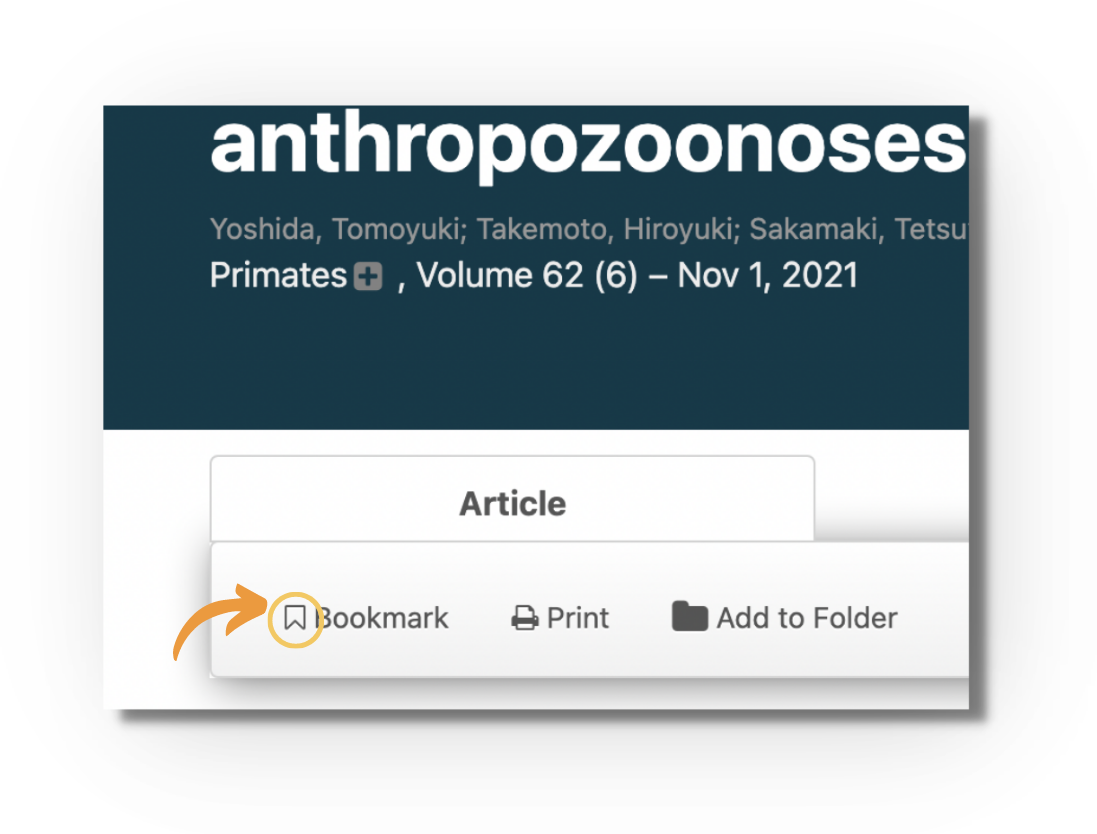
Open the article, and click the "Bookmark" icon in the toolbar above the reader:
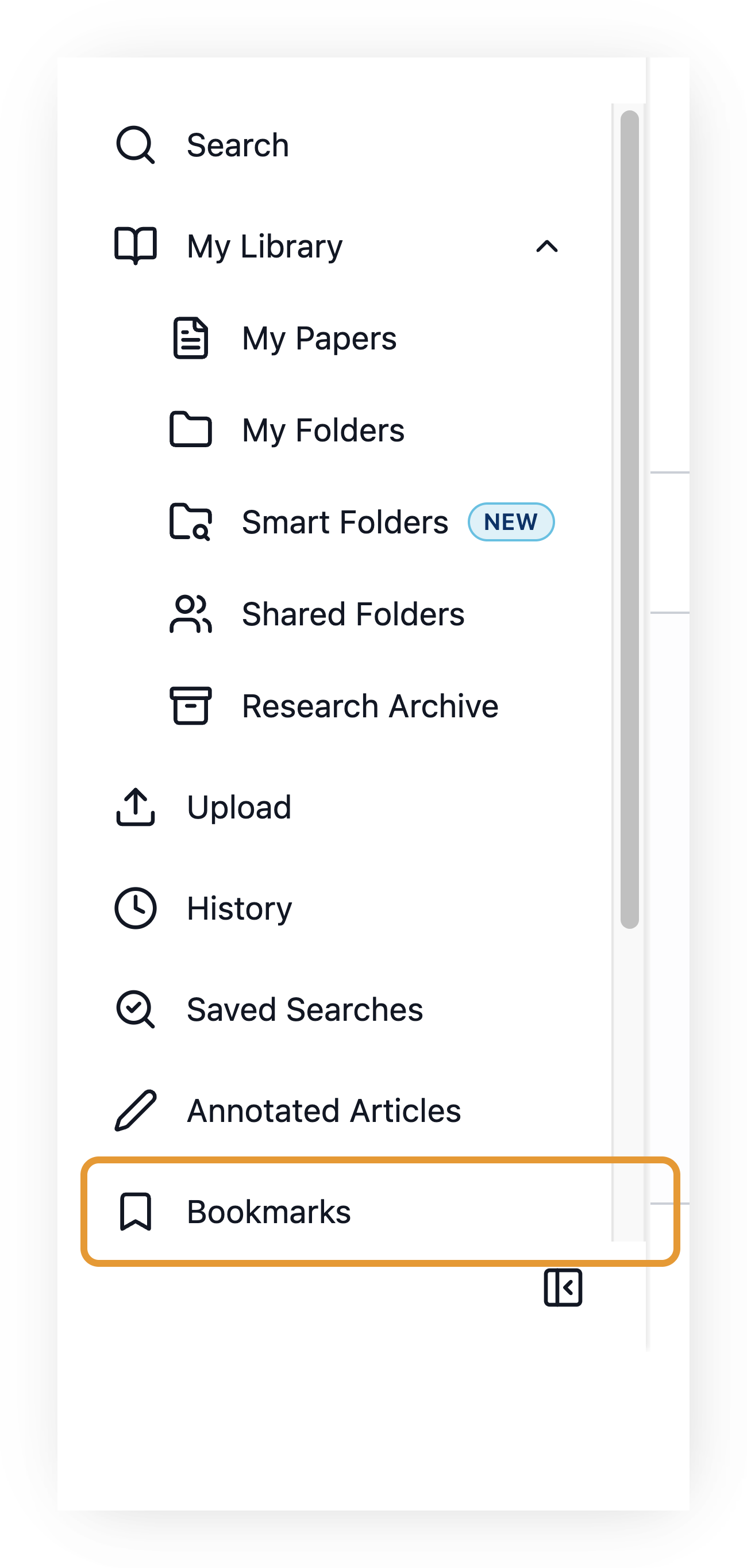
To find your bookmarked articles, go to "My Library" and click "Bookmarks":

If you'd like to save an article to read later, you can bookmark it.
Open the article, and click the "Bookmark" icon in the toolbar above the reader:
To find your bookmarked articles, go to "My Library" and click "Bookmarks":
Still need help? Contact Us Contact Us