How do I save articles?
There are two ways you can save an article to read later: bookmark it and save it to a folder.
Bookmarking
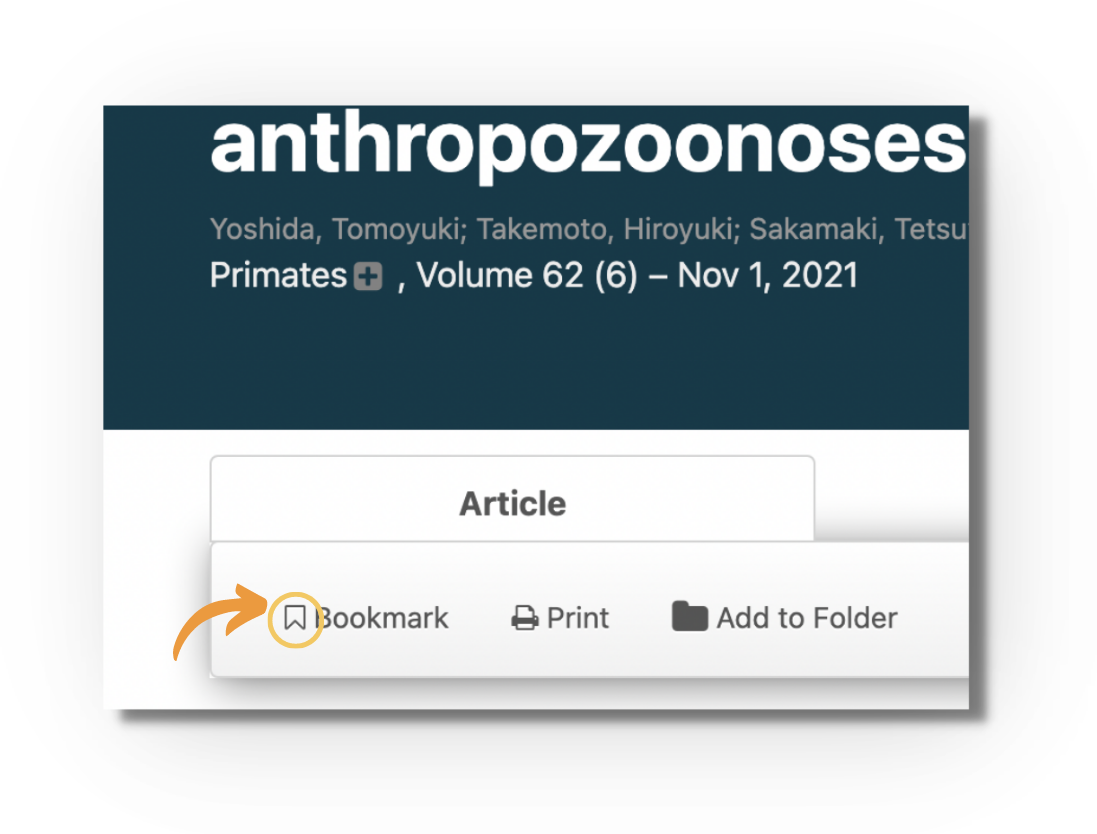
Open the article you want to save, and click the "Bookmark" icon in the toolbar above the reader:
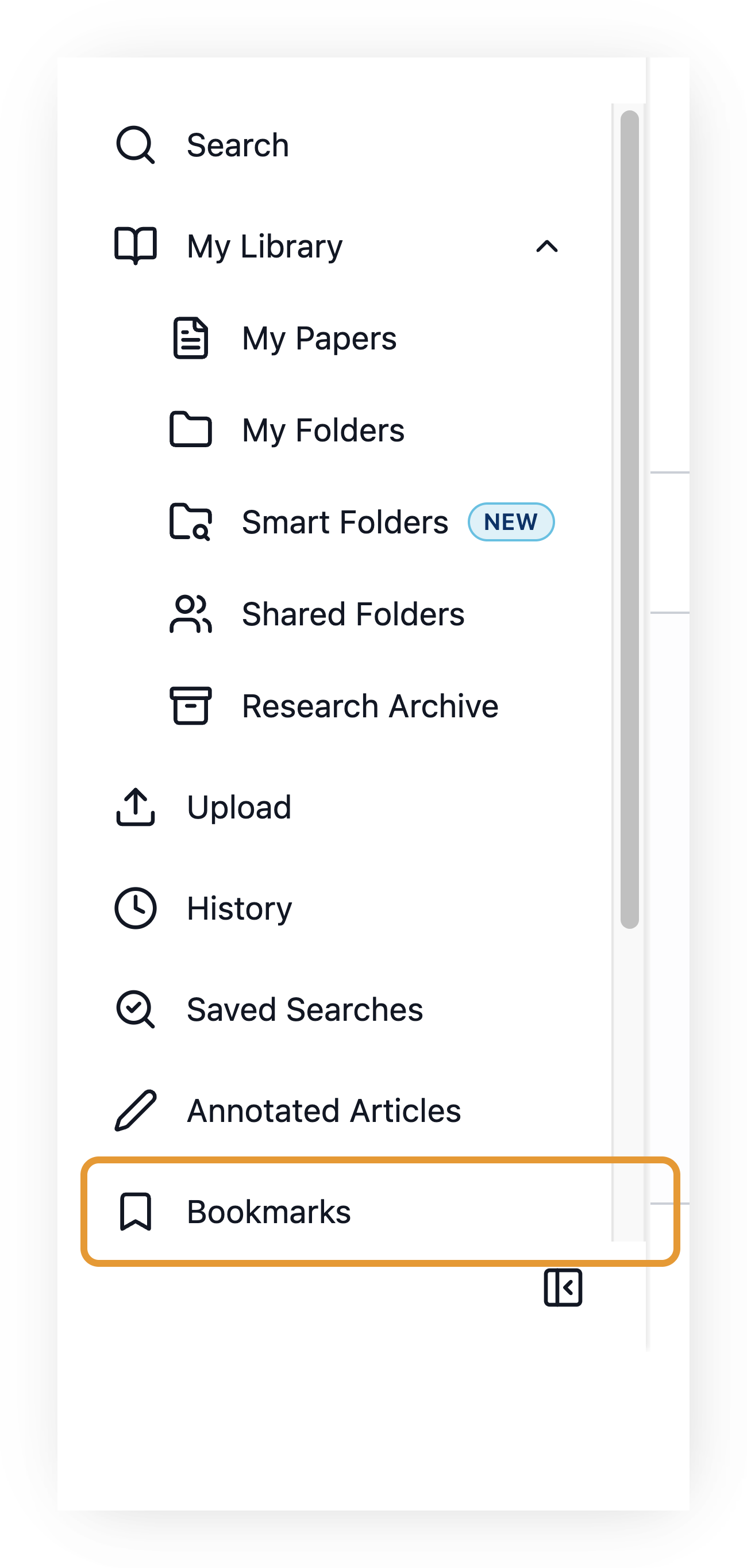
To find your bookmarked articles, go to "My Library" and click "Bookmarks":
Saving articles to folders
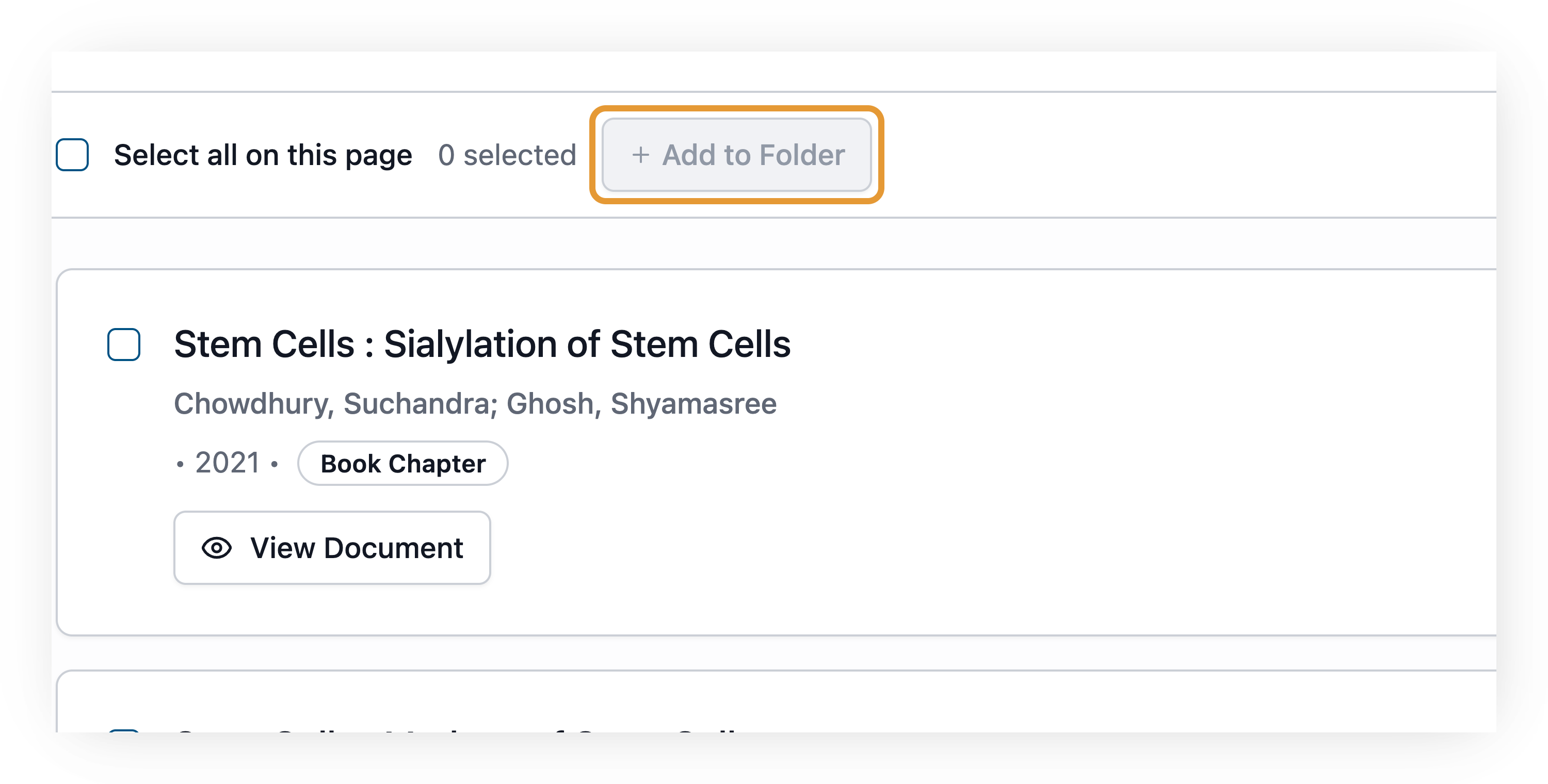
On the search results page, tick the checkbox next to one or more articles, then click "+ Add to Folder" to add them to an individual or shared folder:
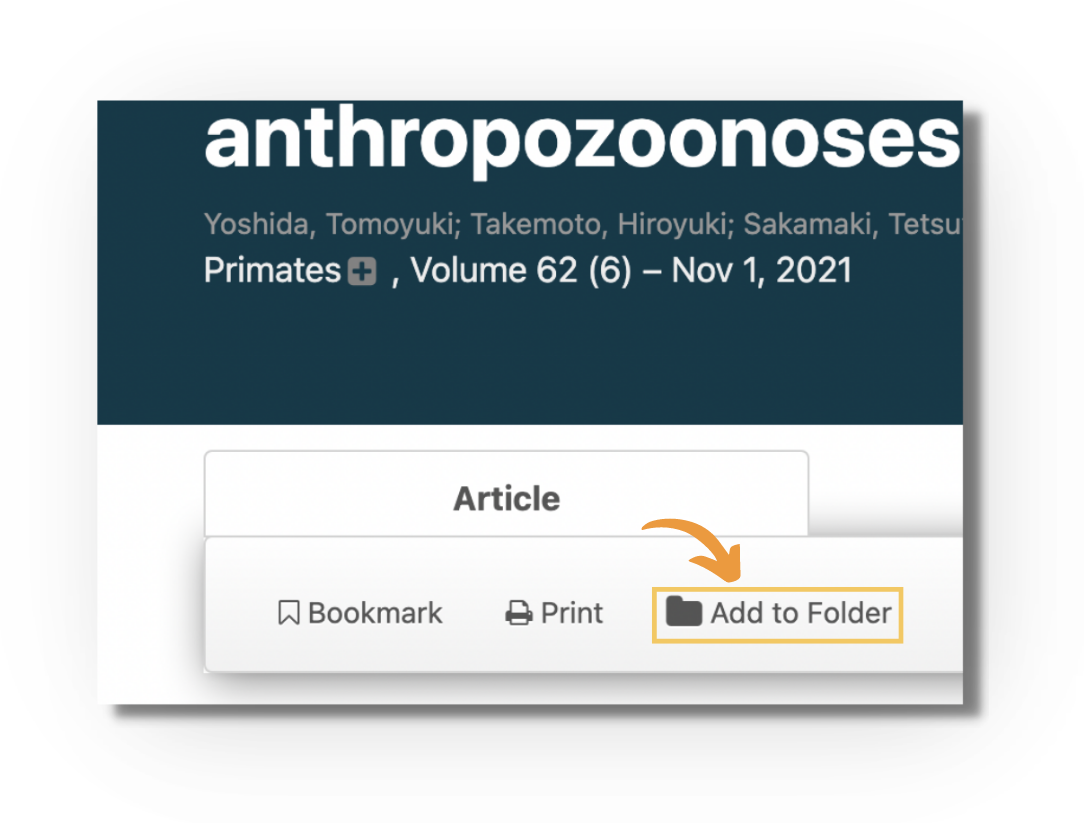
Similarly, on the article page, click "Add to Folder" to select the folder or folders you'd like to put the article in:
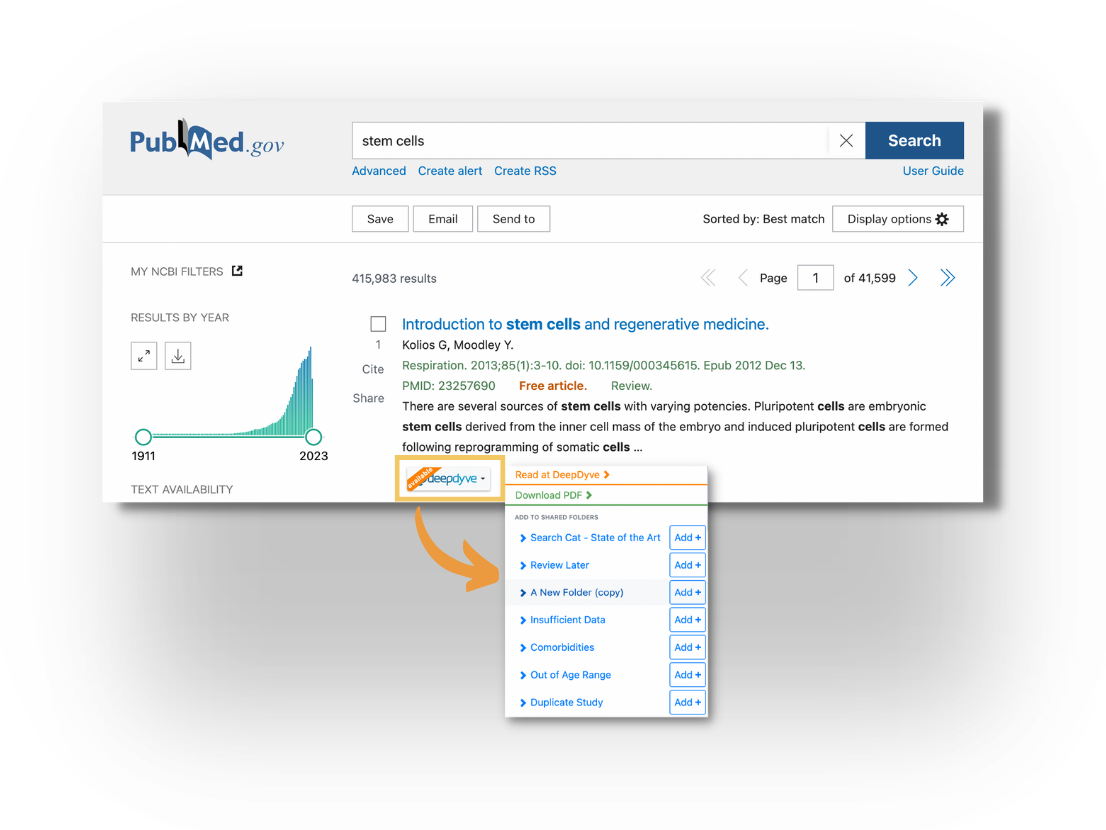
If you are using the Chrome extension on PubMed or Google Scholar, you can also add an article to a folder from there. Click the DeepDyve button at the bottom of each listing, and select the folder you'd like to add to. The citation data for articles that aren't available for reading may also be saved:
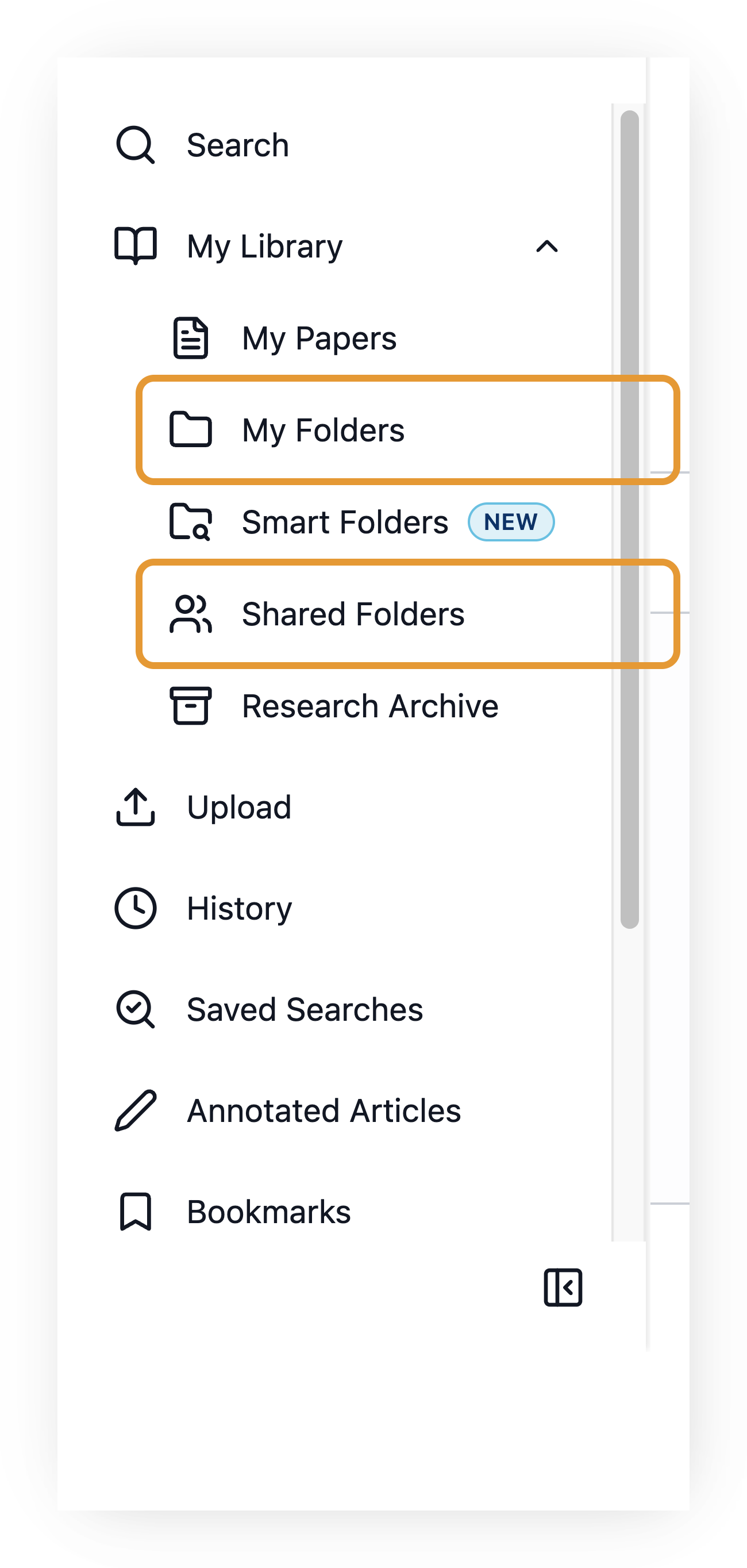
To find your saved articles, go to "My Library" and click "My Folders" or "Shared Folders" (enterprise only):